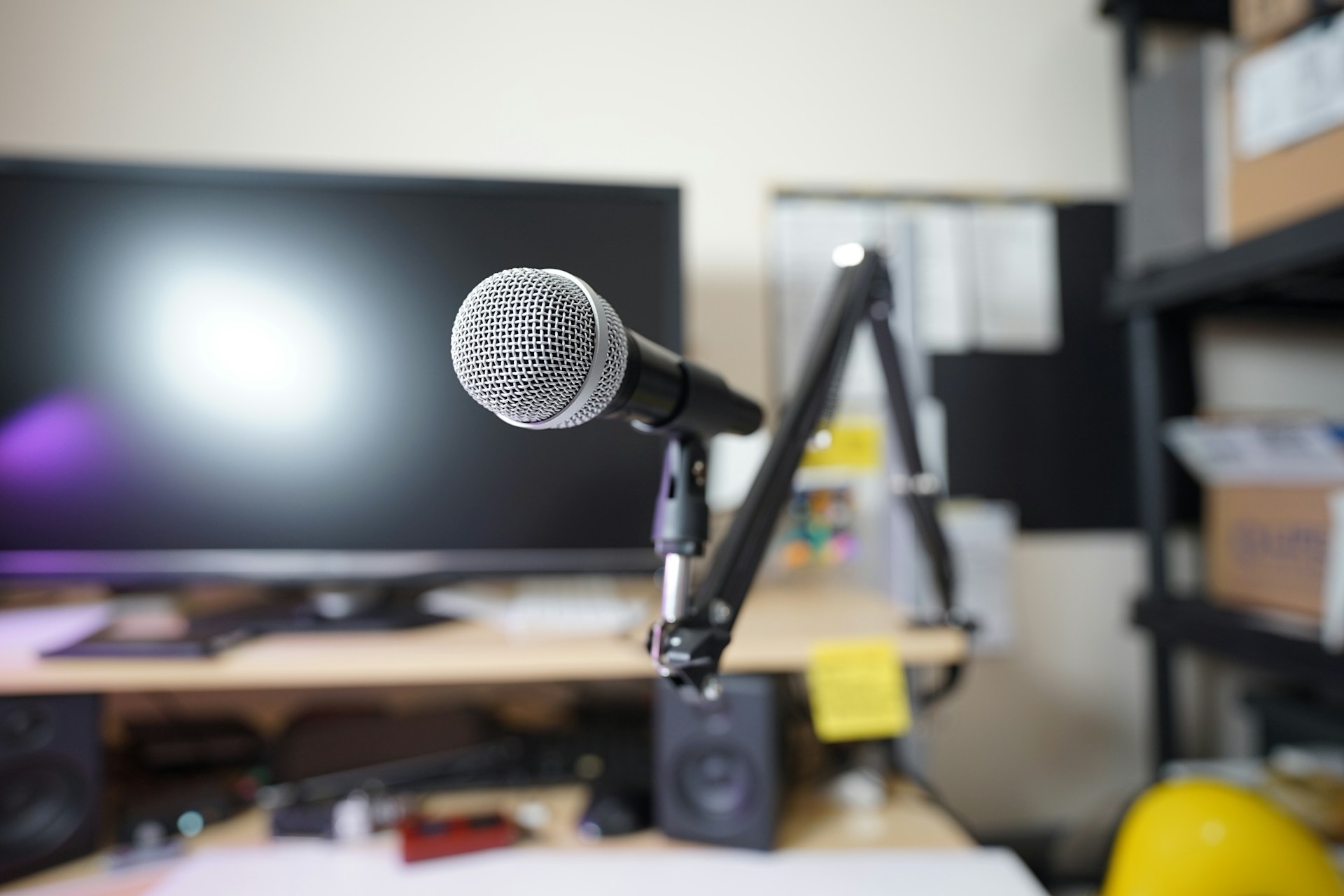
Are you thinking of starting a podcast? That may be an easy and effective way to set up your online presence and start building a recognizable brand.
The popularity of podcasts has grown significantly over the years. More than 160 million people in the US alone listen to podcasts every single month. Worldwide, the number of listeners exceeds 505 million.
While the competition is serious, making it big in the podcasting world can be very rewarding. The top one percent of podcasts see approximately 4,000 weekly downloads. This is why experts predict that the podcasting industry will generate over 100 billion US dollars by the end of the decade.
A good podcast starts with an awesome idea, but there’s more to impressing an audience. Making sure a podcast is professionally edited and presented in the best format will also determine whether the audience will continue engaging with your content.
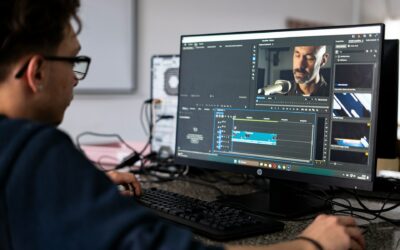
You need a good piece of podcast editing software, and we’re here to help you make a choice. Here are some of the top post-production choices that podcasters and editors prioritize.
Things to Consider Before Choosing Podcast Editing Software
The post-production market is saturated, and you’ll easily find dozens of products. How do you filter out the options, however, leaving only the ones best aligned with your needs and preferences?
To choose the type of software that will enhance your podcasting effort, go through the following considerations:
- Your budget: How much money are you willing to spend on a post-production tool? The good news is that most types of editing software have become rather affordable. Free-of-charge editors are also available, but these may come with some limitations.
- Your skill level: How much post-production experience do you have? This is a very important question because you want to choose the type of software that matches your competencies. Refrain from going for a tool that’s overly complicated if you’re just getting started with post-production. Simpler editing tools will help you do just fine because podcasts pose far fewer challenges than other digital content projects.
- Compatibility with your equipment: This tends to be less of a problem nowadays, but you should still make sure all pieces of hardware and software you employ in podcast production are compatible.
- Support: Check the reviews and find out what others are saying about a particular tool, especially when it comes to support and problem resolution. Using a new tool could have you dealing with certain integration and learning issues. Having access to reliable, effective support will speed things up and allow you to make the most of the editor immediately.
The Best Podcast Editing Tools
Adobe Audition
Adobe Audition is considered one of the best choices for experienced podcasters and post-production professionals.
Usually, Audition is used alongside Adobe Premiere Pro. These two tools allow for effortless podcast session recording and editing.
Audition has a medley of tools that can be used to enhance podcast quality: sound removal, waveform visualization, multitrack editing, noise reduction, a good range of audio effects, and multiple templates that can be used to streamline post-production processes and optimize workflows.
Keep in mind that Audition isn’t free of charge. It’s the kind of tool to consider investing in if you intend to turn podcasting into a full-time career.
Descript
If you want one tool that will simplify workflows and ensure seamless podcast creation processes, Descript may be it.
Descript can be used to record, transcribe, edit your podcast files, and even get your finalized content published on a platform of your preference. Even better, a free version is available apart from the premium subscriptions, and it still gives you access to a good range of tools.
Some of the coolest Descript features include transcription-based editing (if you prefer to work with text), a powerful overdub feature, and built-in audio repair.
Descript is fairly simple, which turns it into the perfect podcast editing tool for beginners. Keep in mind, however, that if you’re more experienced and would like to have access to the full range of features, Descript can get a bit expensive.
Alitu
Alitu is an AI-powered podcast maker. Like Descript, it allows you to record, edit, and publish with the help of one tool alone.
There’s one more similarity – Alitu also employs text-based editing, which makes it fairly simple to master even if you are a complete newbie. At the same time, there is a traditional audio editing functionality, and you can pick the one you’re more comfortable with.
The AI capabilities built into this software eliminate the tediousness of many repetitive post-production tasks.
Alitu isn’t available free of charge, but the price is reasonable, and there’s a 30-day guarantee you can count on if you want to test the software and cancel your subscription in the event of not being fully satisfied.
Riverside
The easy-to-use video podcast software allows you to record high-quality files, edit quickly, and simplify publishing.
Riverside records audio and video simultaneously on separate tracks. If you are thinking about live streaming your podcasting sessions, a tool like this one will be heaven-sent. Riverside gives you access to additional features like live call-ins, shareable audience links, and multi-streaming that can be used to maximize engagement.
With Riverside, you also get access to a good range of integrated editing tools like automatic transcription, AI-based clip generation, and web-based editing on the go.
Some professionals complain that Riverside features a limited range of editing tools and is thus not the best option for more experienced editors. Also, everyone who plans to use Riverside (both hosts and guests) should use either the Chrome or the Edge browser to ensure compatibility.
Director Suite 365
Many experienced professionals would call Director Suite 365 the best overall podcast editing tool. It’s also a top choice if you intend to do podcast editing on a PC.
The Windows-only software pack consists of multiple programs like Audio Director, PowerDirector, ColorDirector, and PhotoDirector. As the names suggest, these can be employed to refine just about every aspect of the post-production process.
Director Suite 365 is often described as too complicated for newbies. If you’re just starting out in the field, we’d recommend prioritizing one of the other options already mentioned in the list.
Experienced editors who choose Director Suite 365 will benefit from an extensive audio and video library, intuitive color correction tools, automatic audio editing, and a host of sophisticated video editing options (3D rendering, motion tracking, multicam support, etc.).
This extensive kit is available with a free version that enables access to a limited set of features. If you choose the premium subscription that unlocks the full potential of the suite, you’ll need to pay 8.33 dollars per month.
Zencastr
If you’re focused on doing most of your work online, Zencastr could be a good choice for you.
It’s one of the best tools for podcast sessions that involve remote guests. Zencastr allows for effortless recording and editing of the footage/audio you’ve captured.
Various tasks have been automated through the integration of AI capabilities. Audio editing, noise reduction, and data analysis all enable some degree of automation.
The interface is simple and intuitive, meaning that even beginners can make sense of it in a short amount of time. Various features are readily available in the more affordable Zencastr plans, resulting in a fairly cost-efficient option. If you’d like to make use of advanced functionalities and more complex editing tools, however, you’ll have to prepare to spend a larger amount on a premium subscription.
Final Verdict: Creating a Good Podcast Involves Many Steps, Don’t Underestimate the Importance of Post-Production
Having a great concept and sticking to it ensures consistency. That’s how you can create a winning product bound to attract its loyal audience.
Bringing the concept to the next level requires technical skills and the use of the right tools.
Choosing a solution for seamless podcast recording and editing isn’t a part of the process to leave to chance.
The good news is that various tools offer free demos, allowing you to test functionalities and figure out whether the respective piece of software has everything you need to make post-production a smooth process.
When it comes to post-production, there is one more choice you need to consider before spending your money on software or a digital subscription.
Outsourcing post-production gives you freedom, ensures stellar outcomes, and allows you to scale up your content creation efforts. Once you discover the right partner, you can rest assured that editing will happen exactly how you envision the process.
Wutini is a flexible, cost-efficient choice for content creators. Our post-production services are ideal for vloggers, video creators, and podcasters. All you have to do is submit your post-production order directly through the platform, review the work we’ve done, and download the finished product.
Do you have a specific assignment that you’d like to discuss with us? Contact the Wutini team and you’ll have your questions answered asap.